
Il file è ospitato su FM Scout. Il download avviene sul loro sito; i diritti sul materiale restano ai rispettivi autori.
Invia al PC Mandati il link e scarica dal computer
Inquadra il codice con la fotocamera di un altro dispositivo per aprire la scheda.
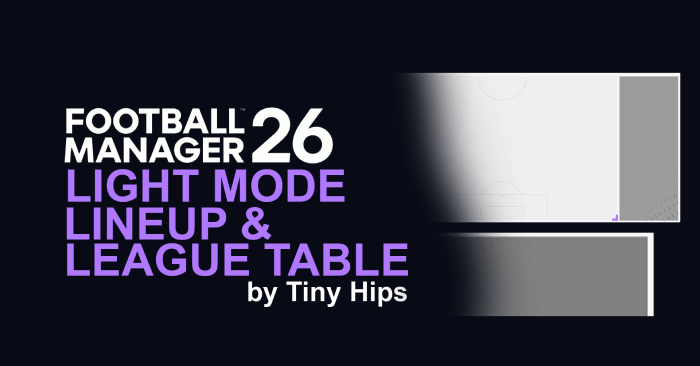
Descrizione
How To install:
1. Download the file - "TinyHips_lightmode_prematch_bundle.zip"
2. Extract the contents of the .zip file. You should have the following file:
- ui-prematch-backgrounds_assets_common.bundle
3. Locate the Game Directory: Navigate to your Football Manager installation directory:
\Steam\steamapps\common\Football Manager 26\fm_Data\StreamingAssets\aa\StandaloneWindows64
4. Move the extracted files into the 'StandaloneWindows64' directory.
How to make your own Lineup/League table 'skin':
1. Download the file - "TinyHips_lightmode_prematch_bundle.zip"
2. Extract the contents of the .zip file. You should have the following file:
- ui-prematch-backgrounds_assets_common.bundle
3. Locate the Game Directory: Navigate to your Football Manager installation directory:
\Steam\steamapps\common\Football Manager 26\fm_Data\StreamingAssets\aa\StandaloneWindows64
4. Move the extracted files into the 'StandaloneWindows64' directory.
How to make your own Lineup/League table 'skin':